A video studio for your MacComing soon to the Mac App Store

Video making,
made simple.

Type a sentence or drop in a document. Your agent turns it into scenes, and Galanty plays them live on your Mac: change a word and the frame updates the same second, with no re-export.

  • Free to play and create
  • Voice-over and rendering on your Mac
  • Apple silicon Macs

Real frames from sample S100 · open the full film

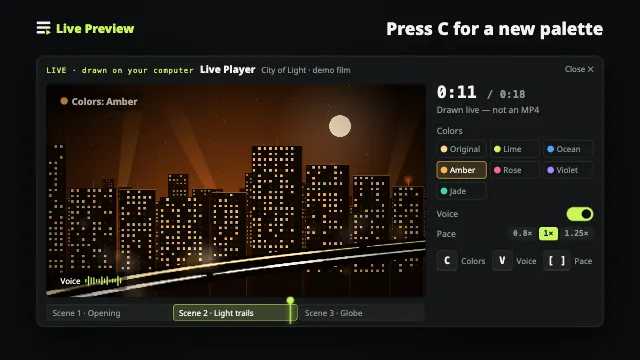
Live preview

Change a word.
See it the same second.

Edit the text, switch scenes or change the accent color in this demo. Playback keeps going and the timecode keeps running, just like in the app.

9English samples you can copy and edit
0re-exports just to preview
LIVELive previewScene 1 · title-card.tsx
Updated · still playing
00:00:00:00
1920×1080 · 30fps
How it works

From one line to a film.
Four steps, all in view.

Each step says where it runs: on your Mac, or with the agent you picked. Scenes are code you can read and edit, not a black box.

  1. Reading Corner · Week 3

    This week we had 84 visits, 12 more than last week, and lent out 31 books, half of them picture books. Wednesday’s story hour drew 24 kids. Next week we want to try a shadow-puppet theme.
    01

    Write a sentence, or drop in a document

    A rough idea, a PDF, a Word file or a web page all work. Or copy a sample and make it yours.

    Your Mac
  2. Scene 1Reading Corner, week 34.2 s
    Scene 2Visits, loans and events vs. last week7.8 s
    Scene 3Story hour: 24 kids5.1 s
    Scene 4Coming up: shadow puppets4.6 s
    02

    Your agent writes the storyboard

    Tell Claude Code or Codex what you want. It breaks the content into scenes and writes the narration.

    Your agent
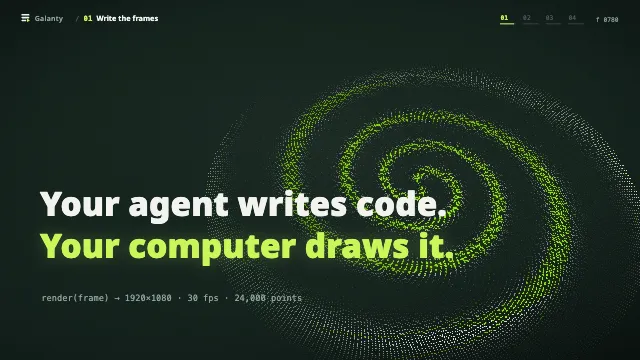
  3. // scenes/weekly-stats.tsx · scene 2
    export default function Scene() {
      const stats = [
        { label: 'Visits', value: 84 },
        { label: 'Loans', value: 31 },
        { label: 'Events', value: 24 },
      ];
      return <StatCards items={stats} />;
    }
    03

    Every scene is a piece of code

    Scenes are React code, not a black box. That makes edits precise: font size, color, pacing. Say what you want and it changes.

    Your agent
  4. 04

    Play it live, export an MP4

    Galanty voices and renders every frame on your Mac and plays your changes right away. When you are happy, export landscape, portrait or square.

    Your Mac
Films

See the scenes.
Hear the story.

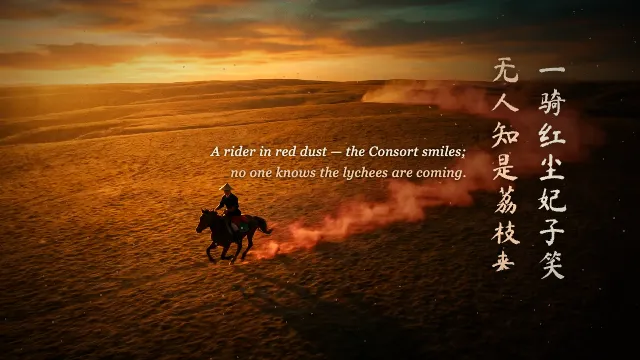
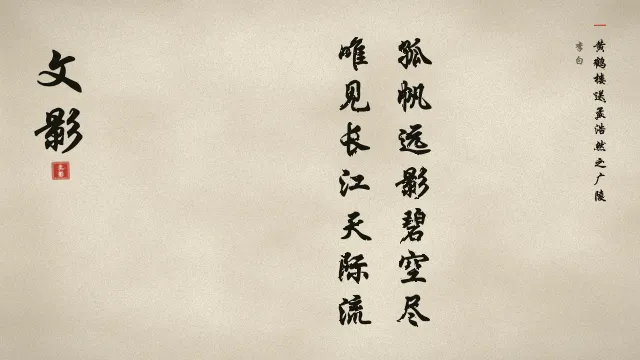
Launch films, The Lychees of Chang’an, and Ink into Light: samples marked “Full film · sound” play from beginning to end with audio. Download the source or copy one in the app and make it yours.

All samples
Effects

Particles, charts, formulas, ink, vertical video.
All drawn in code.

Every tile below is a real clip from a sample. Your agent writes each scene as code and Galanty renders it frame by frame on your Mac, so every word and every color stays editable.

Story & historyS107The Lychees of Chang'an, in Brief
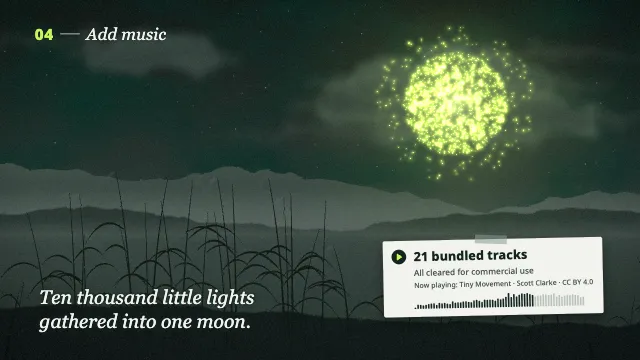
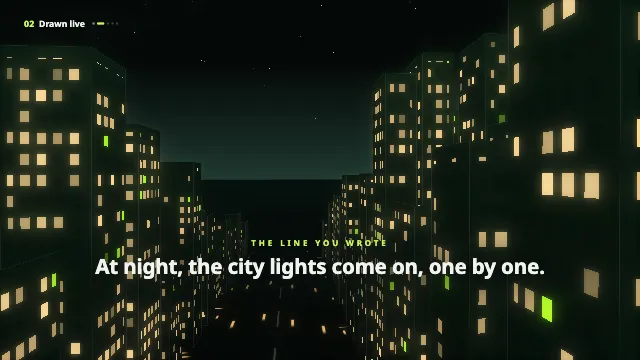
Story by moonlightS104A Little Light
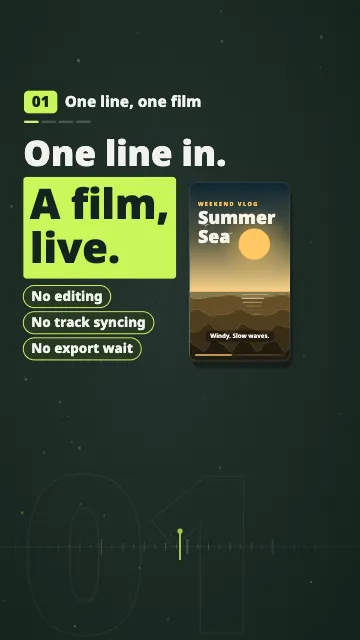
Vertical shortsS103One line in. A film, live.
Code on screenS102Let your agent write the frames
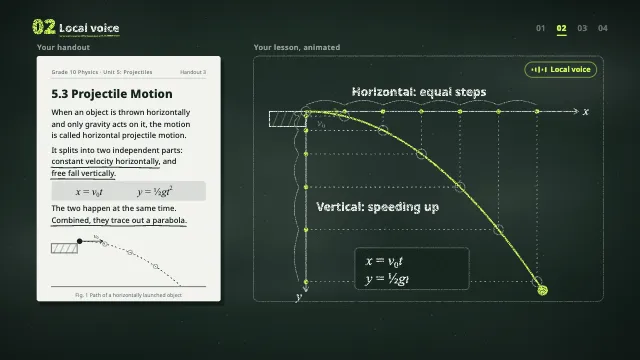
LessonsS101Turn your notes into a lesson.
Ink washS108Ink Becomes Image
Works with the agent you already use

You say it.
Your agent draws it. You fine-tune.

Galanty does not generate video on its own. Tell your agent what you want, and it writes the storyboard and scenes through Galanty’s tools. Galanty plays them right away, finds the exact second you want to change, and exports on your Mac.

  • Claude Code
  • Codex
  • Gemini CLI
  • Any MCP-capable agent

Read the Agent guide: setup and what to say

Pricing

Make it for free. Go Pro when you need to.

Playing, creating and editing are always free. Upgrade when you want unlimited exports with no watermark.

Free

Download and go
US$0
¥0
  • Unlimited playback, creation, editing and live preview
  • 7 MP4 exports a month
  • Exports carry a subtle moving watermark and the Galanty outro
  • Up to 1080p, 3 minutes of main content per video
Coming soon to the Mac App Store

Pro

For people who make videos often
US$6.90/mo
or US$69/yr · US$199 one-time (best value), keep version 1.x forever
¥12/mo
or ¥99/yr · ¥199 one-time (best value), keep version 1.x forever
  • Unlimited exports, no watermark
  • Up to 4K, 30 minutes of main content per video
  • Batch exports
  • Use your own outro, or none at all
Coming soon to the Mac App Store

Prices in US dollars. Your local price is shown on the Mac App Store.Prices for mainland China, in RMB. The Mac App Store purchase page shows the final price. Launch pricing. Prices will go up later; what you already bought or subscribed to stays at your price.

FAQ

Before you start

Did not find your answer? Write to us, or see the support page.

Do I have to use AI?

No. Copy a sample and edit it, or paste in a storyboard you already have. An agent just makes writing scenes faster.

Is my text uploaded?

Playback, voice-over and rendering all happen on your Mac, and we never receive your work. Your text only goes out when you choose to draft with an agent, and only to the service you picked. This site has no tracking.

What Mac do I need?

A Mac with Apple silicon (M1 or later) running macOS 13 or later. A Windows version is planned.

Can I use my videos commercially?

Yes, your videos are yours. A few bundled music tracks require attribution, and the app and project report tell you which. Under Apple’s license, macOS system voices are for personal, non-commercial use only; for commercial work, switch to an on-device neural voice.

What does the one-time purchase include?

Permanent use of Pro in version 1.x: no watermark, unlimited exports and the Pro features listed above. Future major versions are not promised free. Cloud services you choose are billed separately.

How do refunds work?

Apple handles refunds for Mac App Store purchases under its policies. Request one at reportaproblem.apple.com. See our refund policy.

Lights up

Write a line.
Watch it move.

Start from a sample, or from a document you already have.

Browse 9 English samples Coming soon to the Mac App Store